
SF PODCAST STUDIO
466 Geary St, Suite 401, San Francisco, CA 94102
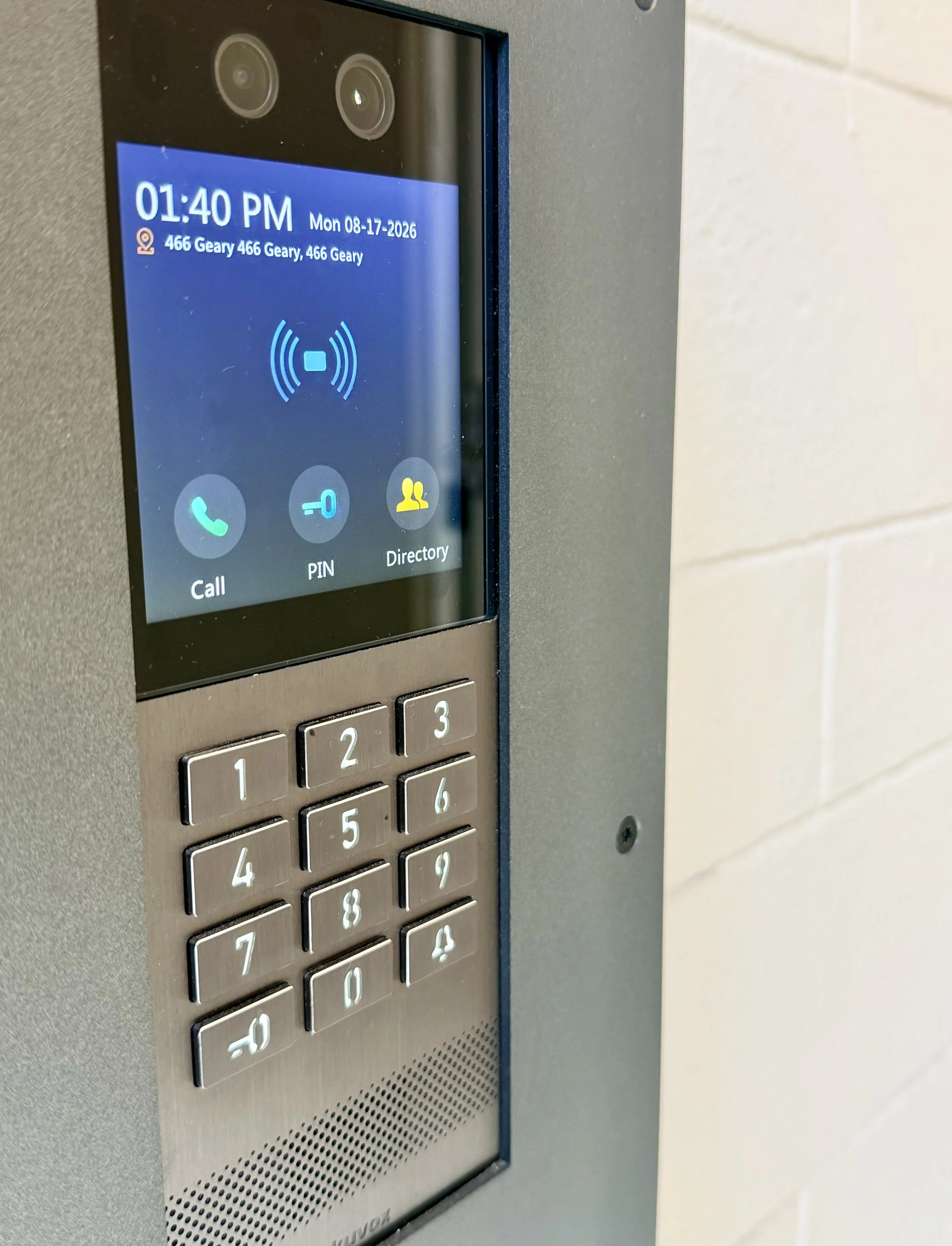
1) At the Door
Door Entry: “Pin Button”, 7310, “Key Button”
Backup: Select “SF Podcast Studio” and we will buzz you in!
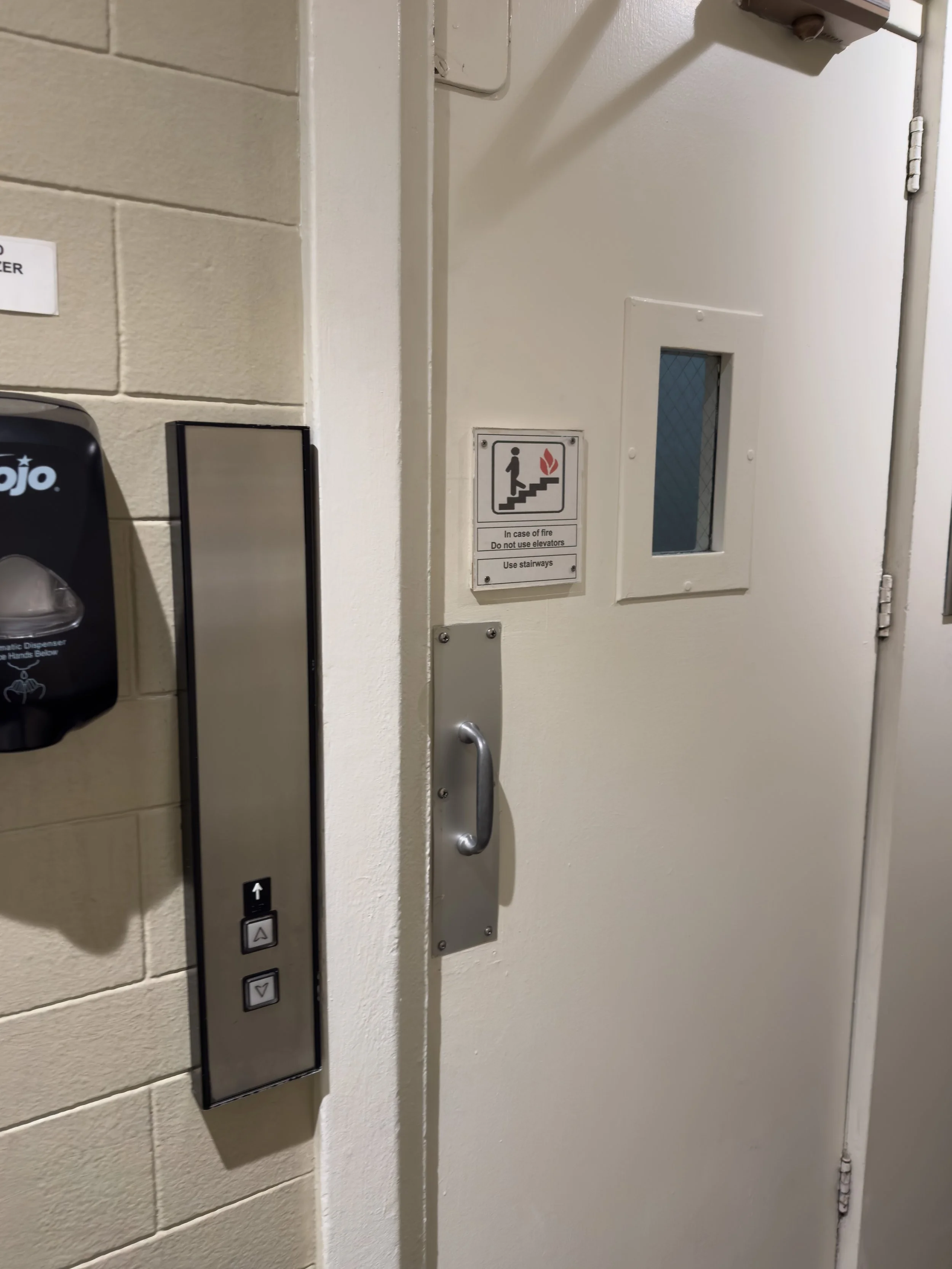
2) Inside
Walk through the hallway to the elevator. Select the 4th floor.
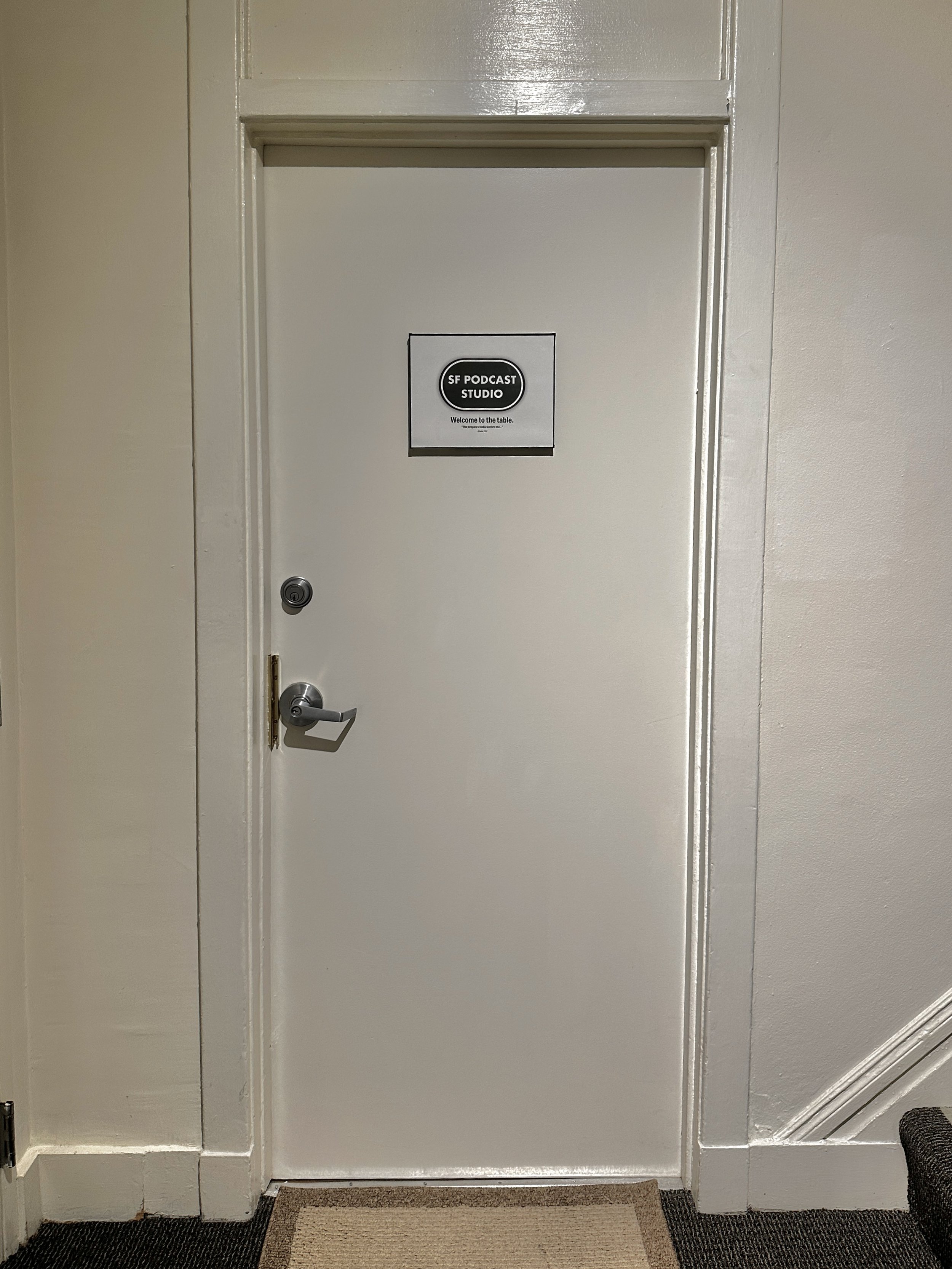
3) Suite 401
On the 4th floor, enter the door to the right.
Parking + Transit
Parking Lots
SF City Parking | Valet — 530 Taylor St
Mason O’Farrell Garage | Self-Park — 325 Mason St
BART
Powell Station — Walk up Powell St and turn left on Geary St.
Recommendations
Coffee
Always Awake Coffee — 611 Post St
Hilton Lobby Coffeeshop — 333 O’Farrell St
Eats & Drinks
Bota Tapas & Paella Bar — 490 Geary St
Tratto | Italian — 501 Geary St
Amenities
Teleprompter / Printed Content
Send us your document at the latest the day before your session in your Slack client channel, or to: production@sfpodcast.studio
Printer — w/ Bluetooth connectivity
Confidence Monitor — Normally displays a multi-view of the X3 camera feed, but can also display a bulleted document for reference.
Teleprompter (Add-On) — Mounted directly to one of the cameras so you can talk directly to your audience. The speed is controlled by the studio engineer, so you can be hands-free.
Refreshments
Beverages: sparkling water, filtered water, iced coffee, hot tea
Sweeteners & creamer
Granola bars
Single-use mouthwash
Toothpicks & flossers
Mints
Hair & Makeup Station
Vanity mirror w/ lights
All-natural matting papers
HD powder w/ single-use applicators
Clothing rack
Clothing steamer
Lint roller
Stain-remover wipes
Do’s:
Colors: Any neutrals, muted/deep colors, and earth tones look great in our space, or wear a pop color if you want to stand out!
Shoes & Bottoms: Note that with our Terra & Solis Setups, your legs & shoes will be visible in the wide shot.
Hair & Make-Up: If you wear makeup for going out or on-stage, then this is also the time to look your best under studio lighting!
How To Prepare
Don’ts:
Styling: Tight patterns/stripes on clothing generally don’t render well on video and can cause moiré (pattern distortion/warping), so they should be avoided for video recordings.